Social Media Content Repurposing: Turn One Campaign into Platform-Native Posts
A single campaign can become a set of distinct posts without feeling copied and pasted. Learn how to adapt the core idea, format, and call to action for each platform while keeping production manageable.
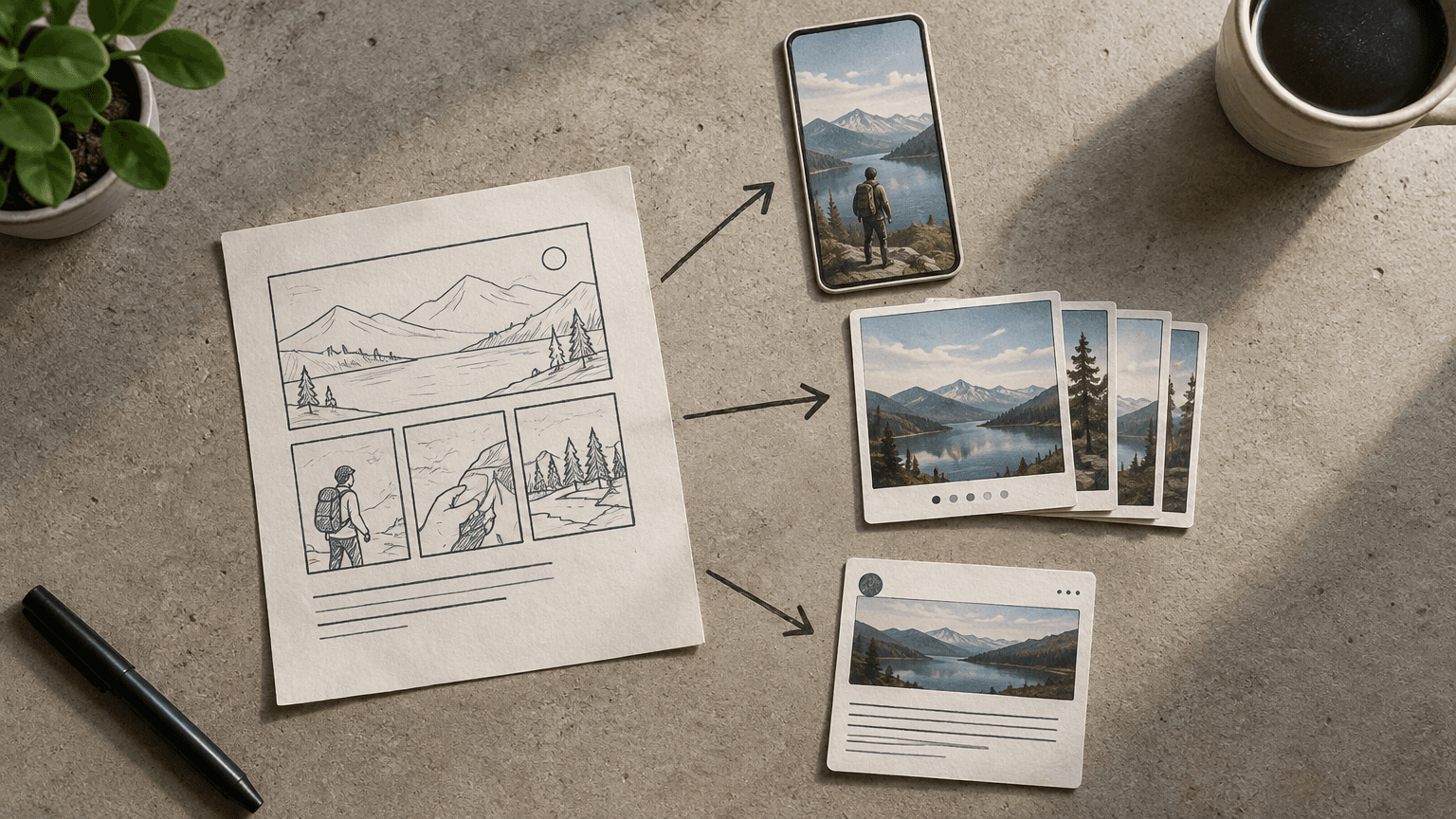
One campaign can support several useful social posts without making every feed look the same. The key is to reuse the message, evidence, and creative ingredients—not the finished post. For a small marketing team, social media content repurposing works best when it reduces repeated research and production while leaving room to adapt each post to the audience and the way people use each platform.
This walkthrough follows a hypothetical campaign for a project-management tool promoting a free project handoff checklist. The team has one article, a short product demonstration, and a checklist download. Its job is to turn those assets into a manageable set of platform-native posts, each with a clear purpose and a review process.
Start with One Campaign Idea and Its Core Message
Before choosing formats, define the idea that should survive every adaptation. A campaign topic is not enough. Project handoffs is a topic; make ownership, deadlines, and outstanding decisions visible before work changes hands is a message. The second gives writers and designers something specific to communicate, even when the post contains no product mention.
Write a short campaign brief that separates the message from the offer. The message explains what the audience should understand. The offer gives interested people a next step. This distinction prevents every repurposed asset from becoming a repeated download advertisement.
Audience: team leads who receive work without enough context to continue it.
Problem: ownership and unresolved decisions are unclear when a project changes hands.
Core message: make the next owner, next action, and open questions explicit before the handoff.
Supporting material: the checklist fields, an explanatory article, and an accurate demonstration of the relevant workflow.
Offer: a free project handoff checklist.
Campaign objective: bring relevant visitors to the checklist page and track completed downloads where measurement is available.
Choose one primary objective so the team can resolve competing requests. If the campaign is intended to generate checklist downloads, not every post needs a link, but the overall sequence should provide a clear route to the resource. A practical teaching post can earn attention first; a later demonstration can show how to apply the lesson and introduce the download.
Use a consistency test: if someone saw only one post, would they understand its point? If they saw three, would those posts reinforce the same campaign message without repeating the same lesson?
Choose Which Assets and Insights Can Be Reused
Review the source material before scheduling more production. Look for reusable units: one explanation, one process step, one visual demonstration, one objection, or one useful question. A long article is a container. Its individual arguments and examples are the ingredients you can adapt.
Build an inventory of usable ingredients
Teaching points: definitions, mistakes, decision criteria, and instructions that make sense outside the original asset.
Visual material: diagrams, checklist fields, screenshots, and demonstration footage that remain legible in a social format.
Audience questions: relevant questions from sales conversations, support requests, or comments, with identifying details removed where needed.
Evidence: verified findings or product facts whose sources and limitations can travel with the claim.
Objections: reasons someone might resist the recommendation, such as the time needed to document a handoff.
For the hypothetical checklist campaign, the article might supply an explanation of why a status update is not a complete handoff. The checklist might supply a visual showing the fields a new owner needs. The demonstration might supply a short sequence showing where to record unresolved decisions. Those are three distinct teaching angles, not three copies of the same promotion.
Record each ingredient in a simple shared document or spreadsheet. Include its source, the audience question it answers, possible formats, approval status, and any restrictions. Add a link to the original file so reviewers can check context rather than relying on an isolated excerpt.
Filter for usefulness, accuracy, and production effort
Prioritize ingredients that solve a recognizable problem and require little additional explanation. A clear diagram may be more useful than a polished video clip that depends on several minutes of missing context. Likewise, a specific instruction usually gives the team more to work with than a broad brand statement.
Check whether reuse changes the meaning. Removing a caveat from a finding, cropping out a necessary step, or presenting an old interface as current can make an otherwise accurate source misleading. Confirm permission to reuse customer material, licensed media, and employee appearances. If the rights or factual basis are unclear, hold the asset until someone resolves the issue.
Do not set a post quota before reviewing the material. One campaign may support several strong adaptations; another may support only a few. Additional posts should add a useful angle, not merely justify the time spent creating the source.
Adapt the Hook, Format, and Call to Action by Platform
Platform-native content fits how people encounter and consume a post. That involves more than changing dimensions. Adapt the opening, the amount of explanation, the visual treatment, and the requested action. Use platform conventions as a starting point, then adjust based on your own audience rather than treating any format as universally effective.
Give each platform a distinct job
A small team does not need to publish the campaign everywhere. Choose channels where the intended audience is present and where the team can produce and maintain suitable content. Assign a role to each selected channel so that adaptations have a reason to exist.
LinkedIn: use a work-related problem and explain a practical decision. For the hypothetical campaign, a document post could walk through what a new project owner needs before accepting responsibility. A closing question could invite readers to share the handoff detail they often miss.
Instagram: make the lesson understandable visually. A carousel could show one handoff field per slide, with a clear cover and a final summary. Ask readers to save it for their next handoff if the post genuinely works as a reference.
TikTok or Instagram Reels: demonstrate a recognizable situation rather than reading the article aloud. Contrast an incomplete handoff with a more usable version, using readable on-screen text and captions.
YouTube Shorts: build a self-contained explanation around one task, such as documenting an unresolved decision. Make the opening identify the task immediately and ensure the ending delivers the promised instruction.
Threads or X: develop one concise observation or a short sequence that adds a concrete example. Ask a specific question or direct readers to the resource when an external visit is the post's purpose.
These are editorial options, not rules about what a platform rewards. Confirm current publishing options, link behavior, and account capabilities before finalizing the plan. Avoid making the campaign depend on a feature your account cannot use.
Rewrite the hook around the immediate payoff
The hook should help the right person recognize the problem quickly. In the hypothetical LinkedIn adaptation, the opening could explain that a project can be marked complete while the next owner still lacks a decision log. An Instagram cover could focus on what to include before handing over a project. A short video could open with a visible comparison between a vague assignment and one with an owner, deadline, and next action.
Each opening leads to the same core message, but each suits its format. Avoid hooks that exaggerate the stakes or promise a complete solution when the post only covers one step. The body should deliver the value implied by the opening without requiring a click to understand the basic lesson.
Match the call to action to the post's purpose
Choose one primary call to action per post. A reference carousel can invite a save. A discussion post can ask about a specific difficulty. A resource promotion can point to the checklist through an available link location. Asking readers to comment, save, follow, share, and download at once makes the intended next step harder to identify.
Before publishing, test the entire path on a phone. Check that the link is reachable, the destination matches the promise, and the download process works. For visual posts, check text size, contrast, cropping, captions, and alt text where supported. Reframe video for the target placement instead of assuming an automatic crop will preserve the important action.
Build a Repurposing Workflow with Clear Review Steps
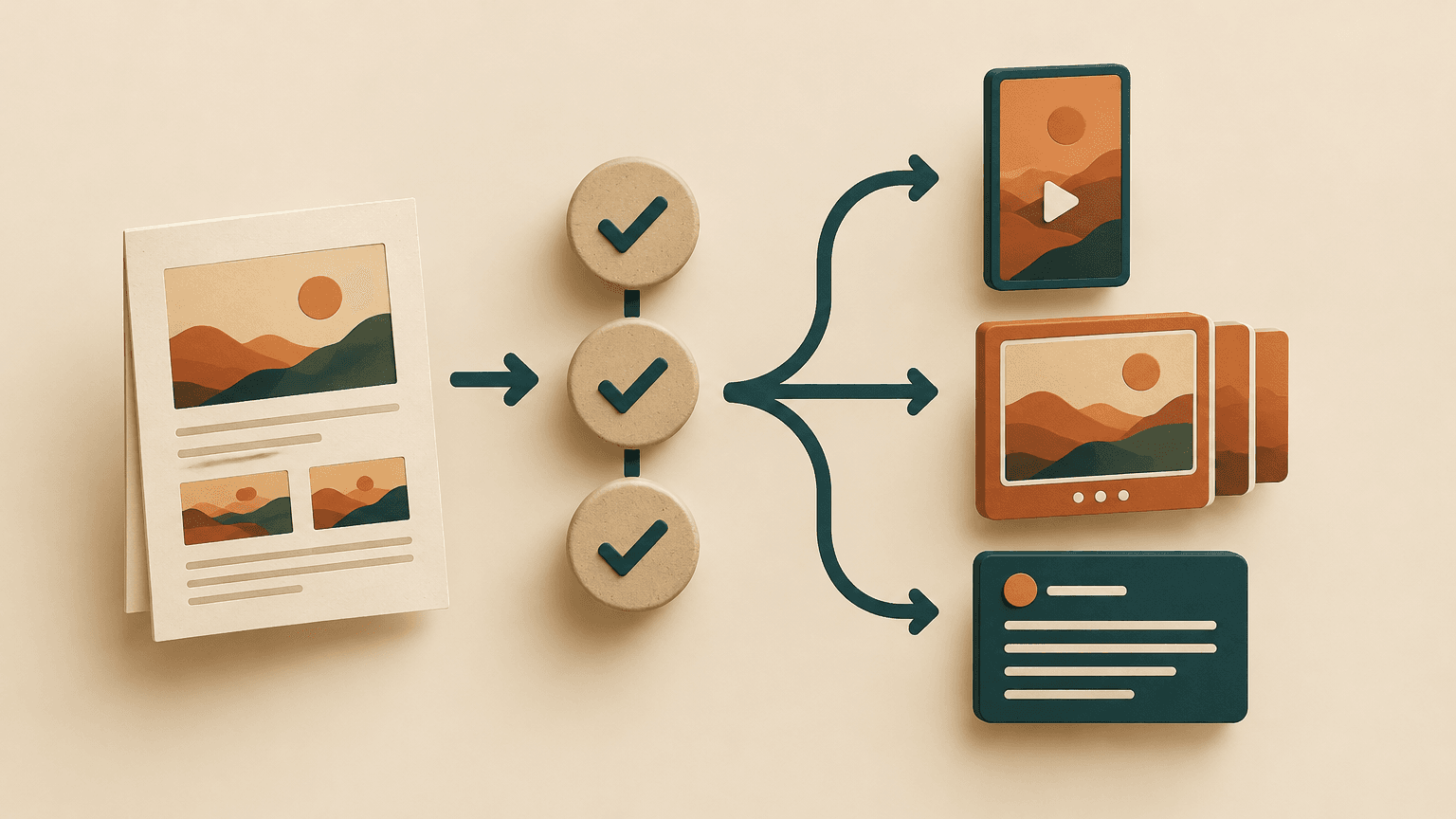
A repeatable workflow separates decisions that apply to the whole campaign from checks that apply to individual posts. Approve the core message and source material first. Then review the adaptations for context and execution. This reduces the chance that every caption becomes a fresh debate about campaign strategy.
1. Brief: name the campaign owner, audience, objective, message, offer, selected channels, and primary measurement.
2. Select: choose reusable ingredients and attach their sources, permissions, and factual limitations.
3. Map: give each planned post an audience question, platform, format, hook, and primary call to action.
4. Produce: draft related copy together, then design or edit the assets from approved source files.
5. Review substance: verify claims, product details, context, rights, and consistency with the campaign brief.
6. Review execution: preview the actual placement, check accessibility and links, and approve the final version.
7. Publish and respond: assign responsibility for scheduling, comments, questions, and any necessary corrections.
8. Learn: record results and decide which angles to retain, revise, or stop using.
One person may handle several stages in a small team. What matters is naming the final approver and making the handoff between stages visible. A lightweight board with source-ready, drafting, review, approved, scheduled, and measured statuses can be enough. Keep feedback attached to the relevant draft so conflicting edits do not get lost across messages.
Use a small pilot before expanding production
For the hypothetical campaign, start with a LinkedIn explanation, an Instagram checklist carousel, and one short demonstration video for the channel the team already supports. This is a test batch, not a recommended posting volume. If video requires new skills or repeated corrections, begin with the formats the team can reliably review and publish.
Schedule according to capacity to respond as well as capacity to create. Publishing several posts at once may leave no one available to answer useful questions. Preserve time for comment moderation and record recurring questions as possible follow-up angles. If a source fact changes, use the inventory to identify related drafts and scheduled posts that need updating.
Batch the shared work, not the final judgment. Research, source selection, and design components can be prepared together, but every finished post still needs a platform-specific preview and accuracy check.
Measure Performance and Decide What to Rework
Evaluate each adaptation against its assigned job before judging the campaign as a whole. A post intended to teach may generate saves or substantive questions without many clicks. A direct resource promotion needs closer scrutiny of visits and downloads. Neither should be judged only by likes.
Exposure: reach or impressions can show whether the post received distribution, but they do not establish understanding or intent.
Consumption: available viewing, retention, or completion measures can help identify where attention drops.
Usefulness: saves, shares, and relevant comments can suggest that an audience found the material worth keeping or discussing.
Action: tracked link visits and completed downloads connect resource-focused posts to the campaign objective.
Production effort: time spent drafting, editing, reviewing, and correcting shows whether the format is sustainable for the team.
Use consistent campaign tracking parameters on destination links where appropriate, and distinguish posts with a content identifier. Test tracking before launch. Platform metrics use different definitions, and privacy choices or cross-device journeys can limit attribution, so treat the reporting as directional rather than a complete record of every person's path.
Diagnose the weak point before making another version
Limited reach with useful responses from those who saw it: revisit packaging and distribution before discarding the underlying idea.
Early video drop-off: check whether the opening delays the demonstration or fails to identify the audience's problem.
Views without meaningful engagement: inspect whether the post delivers a specific lesson or merely introduces the campaign.
Useful engagement but few clicks: confirm whether clicking was actually the goal, then review the call to action and link visibility.
Visits without downloads: check message match, mobile usability, form friction, and tracking on the destination page.
Acceptable results with excessive production time: simplify the format or reuse production components rather than automatically increasing output.
Compare similar formats on the same platform over a reasonably consistent observation window. A single post cannot tell you whether a format always works, especially when distribution is small or campaign conditions differ. When testing an improvement, change one major element where practical—such as the opening or call to action—so the result is easier to interpret.
Record a decision alongside the numbers: keep the angle, rework the presentation, develop a follow-up, or retire it. Include the reason and any measurement limitations. Over time, this creates a usable editorial memory: which questions resonate, which formats fit the team's capacity, and which source assets deserve further development.
Start with one existing campaign this week. Write its core message in one sentence, identify three reusable ingredients, and map each to a distinct audience question and platform treatment. Assign an approver and a success measure before production begins. That small, complete cycle is a more useful starting point than committing to a full calendar of identical posts.