SEONovember 14, 2026
SEO for JavaScript-Generated Links: Make Important Pages Discoverable
Links added by JavaScript can be difficult for search engines to discover and for crawlers to follow. Learn how to test rendered links, identify implementation risks, and make sure important pages have reliable paths.

If an important page can be reached only after a visitor opens a menu, runs a search, or scrolls until new cards appear, do not assume a search crawler will discover it through the same journey. Start by checking whether a page the crawler can already reach contains a real anchor element with a usable href pointing to that destination. Then check whether that anchor exists without a click, hover, or other interaction.
JavaScript-generated links are not inherently bad for SEO. The risk is making discovery depend on rendering conditions or user actions that a crawler may not reproduce. This walkthrough shows how to distinguish reliable links from fragile navigation, inspect the evidence, and fix the shared components that affect your most important page types.
How JavaScript-Generated Links Differ from Standard Links
A standard HTML link is an anchor element with an href attribute that resolves to a destination URL. When that element is included in the server's HTML response, a crawler can extract it without executing JavaScript. A JavaScript-generated link is added or modified after the response arrives, often when an application renders its navigation, fetches content, or hydrates a page.
The distinction is not simply whether a site uses JavaScript. A client-side router can enhance a normal anchor while preserving a real URL. Conversely, a visually convincing navigation item can be a button or div with a click handler and no extractable destination. Both may work for a visitor, but they do not offer the same discovery path.
Google can render JavaScript, but the initial fetch and rendering are distinct processing steps. Depending on rendering creates additional opportunities for resource failures, script errors, and missing content. Other search crawlers and SEO tools have different rendering capabilities. Providing important links in the initial HTML removes that dependency; when this is not practical, rendering genuine anchors without interaction is a more robust fallback than click-only navigation.
Discovery is only the first gate. A crawler finding a URL does not mean the page will be crawled immediately, indexed, or ranked. Status codes, robots directives, canonical signals, content quality, and duplication still need separate checks.
Which Link Patterns Create Discovery Risks
Audit the mechanism behind each link, not just its appearance. A menu that stays visually closed can still contain useful anchors in the document. A menu that creates its anchors only after a pointer enters it has a different risk profile. The same distinction applies to tabs, accordions, product cards, and related-content modules.
- Click handlers without anchors: a div, span, or button sends visitors to a page through script, but contains no anchor with an href.
- Placeholder destinations: an element uses an empty href, a fragment-only href, or a javascript: value, while the actual destination is stored in application code.
- Interaction-created links: destinations are inserted only after a click, hover, filter selection, form submission, or scroll event.
- Delayed data dependencies: navigation or cards depend on an API response that fails for anonymous requests or arrives after the renderer has stopped observing the page.
- Session-dependent navigation: important links appear only after consent, location selection, login, or values stored in a visitor's browser.
- Fragment-based content routes: distinct content is reached through URL fragments rather than independently addressable page URLs. Ordinary fragments used to jump within a page are not the same problem.
- Virtualized lists: only a small visible set of items exists in the document, leaving the rest unavailable unless another crawlable path exposes them.
Prioritize patterns by the destinations they hide. A fragile link to a minor utility page may be less urgent than the same implementation in the main category menu. Treat failures in shared navigation, pagination, and category-to-product links as high-impact candidates because one component can affect many discovery paths.
Test Links in Rendered HTML and Crawl Data
1. Build a source-to-destination test set
Choose representative source pages and record the destinations each should link to. Include a top-level navigation page, a deep category, a listing with pagination, an individual item, and an editorial page if those templates exist. Record the source URL, expected destination, component name, and whether an interaction is normally needed. This turns a vague rendering concern into a repeatable test.

2. Compare the response HTML with the rendered document
Open a source page in a fresh browser session while logged out. Use View Source or the document response in developer tools to inspect the HTML returned by the server. Search for the expected destination and confirm that it appears in an anchor's href. A URL inside a script, JSON payload, data attribute, or text node is not equivalent to an HTML link.
Next, inspect the live DOM in the Elements panel after the initial page load, before opening menus or scrolling. Confirm whether the anchor now exists and whether its href resolves to the intended URL. Repeat after the relevant interaction. If the link appears only in the last state, you have identified an interaction dependency rather than merely a difference between server-rendered and client-rendered HTML.
Check the Console and Network panels when links are absent. Failed JavaScript bundles, blocked resources, API errors, and authentication requirements can explain why a component never renders. Test direct entry to the source URL as well as navigation within the application: a component may work after earlier browsing has populated its state but fail on a fresh visit.
3. Run comparable HTML and JavaScript crawls
Use an SEO crawler that supports both HTML extraction and JavaScript rendering. Run each mode with the same starting URLs, scope, and relevant crawl settings. For an internal discovery test, avoid supplying the destination list through a sitemap or URL upload: those inputs can make a page appear discovered even when the internal link is missing. Test sitemap coverage separately.
- Compare outgoing links from each test source, not only total URLs found across the site.
- Check destination inlinks to identify which source pages and components actually expose the URL.
- Investigate pages found only in the rendered crawl; these depend on successful JavaScript execution along the tested path.
- Investigate expected pages missing from both crawls, then inspect their source components manually.
- Review rendering errors, blocked resources, extraction settings, and timeouts before treating a missing link as a confirmed site defect.
- Record crawl depth and unintended URL variants, including tracking parameters or malformed relative paths.
A rendered crawler is a diagnostic tool, not an exact simulation of Googlebot. Changing its wait settings may reveal a timing dependency, but a link appearing after a longer wait is not proof that every crawler will find it. Use crawl comparisons to locate the dependency, then reduce that dependency where the destination matters.
4. Cross-check search and server evidence
For Google, use Search Console's URL Inspection tools to investigate representative source and destination URLs. Where rendered HTML is available, inspect the source page for the expected anchor rather than relying on its screenshot. A live test helps diagnose current accessibility, but does not guarantee indexing or establish what was present during an earlier crawl.
Server logs can show whether a verified search crawler requested a destination and what response it received. They generally cannot prove which internal link led to that request. Combine logs with inlink data and inspection evidence; absence from a limited log window alone does not establish a discovery failure.
Fix Dynamic Navigation and On-Page Link Elements
Choose the smallest durable fix that restores a clear path to important destinations. Usually that means changing a shared component to output normal anchors, making the link data available earlier, or adding a browsable route around an interaction-only feature. Rebuilding an entire application is not automatically necessary.
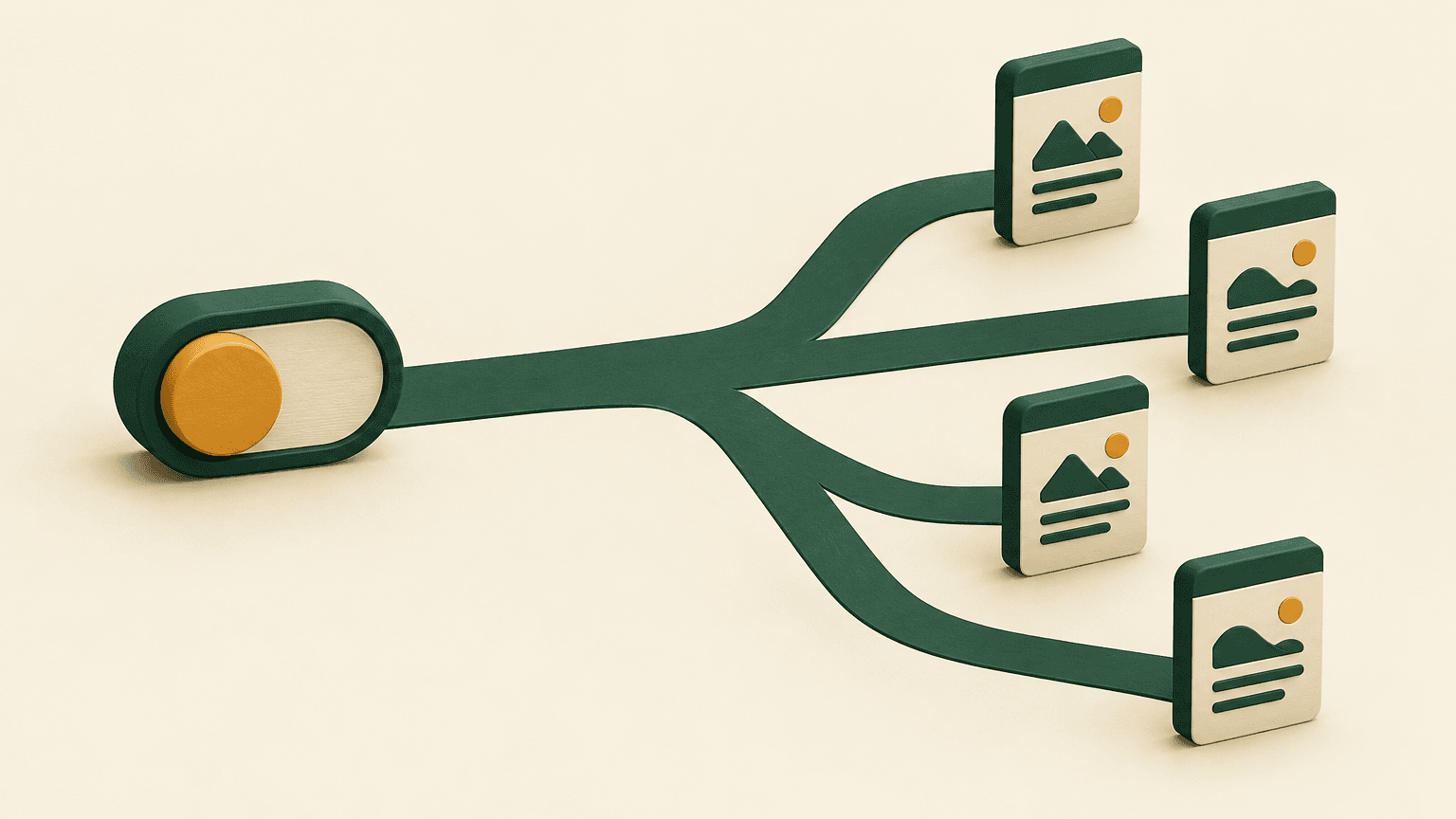
Preserve real URLs in navigation components
Use anchors with meaningful href values for navigation and buttons for actions such as opening a menu or applying a control. A client-side router may intercept an anchor click for a smoother transition, but the destination should remain in the rendered anchor. Verify the output of framework link components rather than assuming their implementation.
For global navigation and other high-value components, prefer server rendering or static generation where feasible. Ensure the links survive hydration rather than disappearing when client code starts. If links must render on the client, generate them on initial load without depending on hover, scroll, or stored visitor state. Keep visible labels descriptive enough to explain the destination.
Separate menu controls from destination links
A dropdown can use a button to expand a submenu while keeping its destination anchors in the document from the start. If a parent category is itself a useful landing page, provide a separate anchor to that category rather than making one ambiguous control responsible for both opening and navigating. Preserve accessible keyboard behavior and do not add hidden link collections solely for crawlers.
Give listings a crawlable continuation path
For infinite scroll or Load more interfaces, provide linked pagination URLs that work when requested directly. Each page should expose its own items and offer a way to reach subsequent pages through anchors. The interactive experience can remain, but discovery should not require a crawler to trigger the scrolling behavior. Check that later pages do not all return the first batch of results.
Treat filters differently from core pagination. Making every filter combination crawlable can create excessive duplicate or low-value URLs. Select the category and filtered landing pages that deserve search visibility, give those stable URLs and deliberate internal links, and manage other combinations as a separate crawl-control decision. Do not expose every application state just to increase link counts.
Repair cards, tabs, and related-content modules
Give product and article cards a normal title or image anchor instead of relying only on a click listener attached to the card container. For important recommendations and related content, make links available during the initial render where practical. If a tab loads a separate set of destinations only on activation, expose those pages through a relevant hub or another dependable internal path as well.
An XML sitemap is useful supplementary discovery support, not a repair for broken internal navigation. Keep important URLs in the sitemap where appropriate, but also connect them through relevant, crawlable pages so users and crawlers can understand their place in the site.
Verify Discovery Across Important Page Types
After deployment, repeat the original source-to-destination tests using fresh sessions and new crawl results. Verify both that the source exposes the link and that the destination works on a direct request. A corrected anchor is not enough if its URL returns an error, requires a session, or resolves through an unnecessary redirect chain.
- Home and global navigation: confirm important section links exist before interaction and remain present after hydration.
- Category and hub pages: confirm subcategories and featured destinations have usable anchors, including on mobile layouts.
- Paginated listings: follow the continuation path beyond the first page and verify that later items receive links.
- Product, service, and article pages: check breadcrumbs, parent-category links, and relevant related-page links.
- Localized pages: test each relevant locale's navigation and direct URLs without relying on a previously selected language or location.
- Newly published pages: confirm that publication adds them to an existing, reachable hub rather than leaving them accessible only by direct URL or site search.
For pages intended for search indexing, separately verify an appropriate successful response, crawl access, indexability, and a consistent canonical destination. Inspect the actual resolved href: relative URLs, trailing slashes, and parameters can send links somewhere other than the intended page. Where internal links point to redirects, update them to the preferred destination when practical.
Turn the test set into a release check. Automated tests can assert that representative components output anchors with valid destinations without interaction, while scheduled crawls can flag lost inlinks or newly unreachable pages. Test direct entry and client-side transitions because either route can reveal a different rendering defect.
Start with one important source page and a small set of destinations it should expose. Compare response HTML, the initial rendered DOM, and crawler-extracted links. Fix the first shared component that breaks that path, then rerun the same checks across its templates. That gives you verifiable progress without confusing a working click experience with reliable search discovery.