SEO for Log File Analysis: Find Crawl Waste and Important Pages Search Engines Miss
Server logs reveal which URLs search engine crawlers actually request—and how often. Learn to spot wasted crawl activity, uncover overlooked pages, and turn log data into practical fixes.
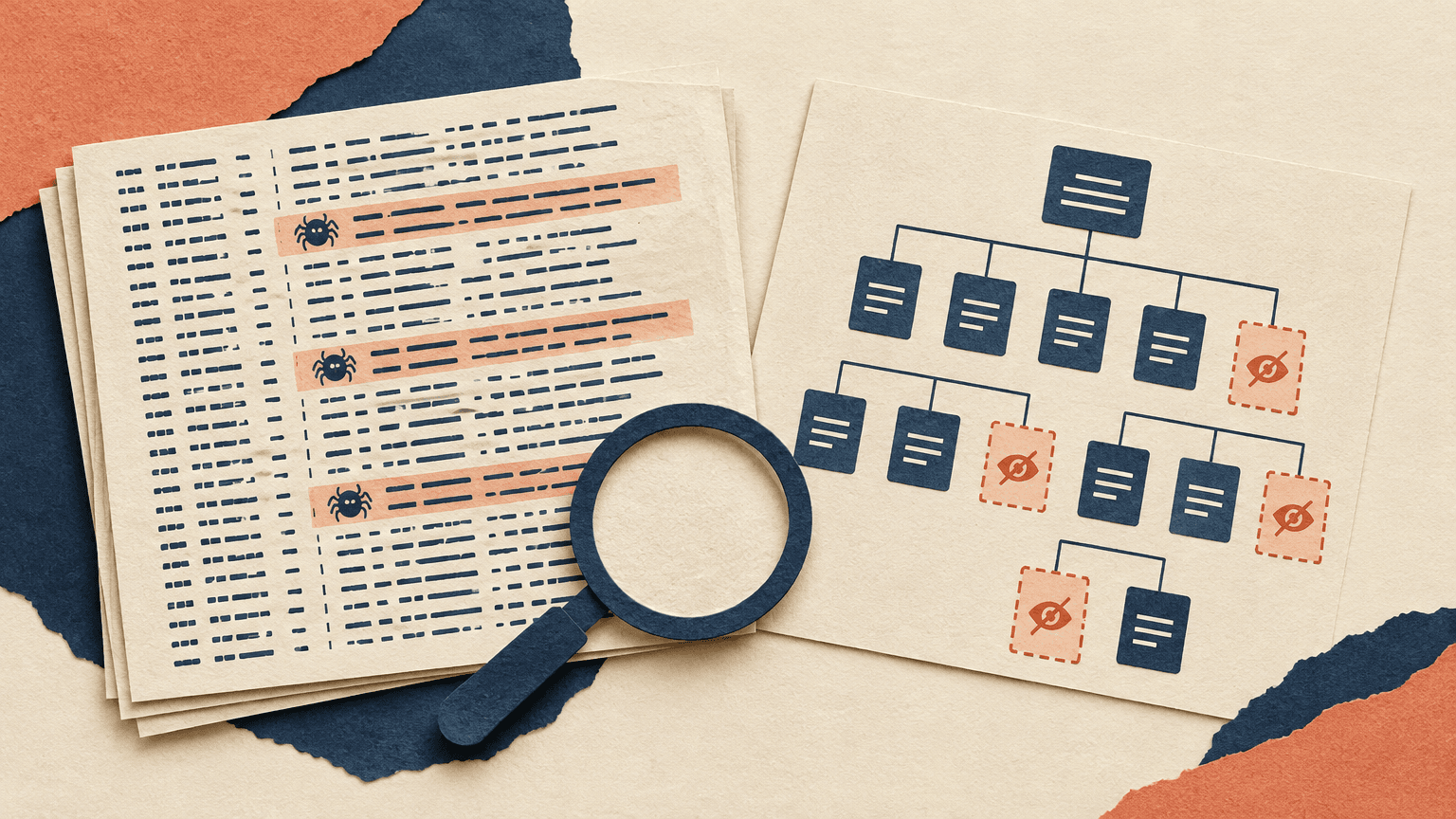
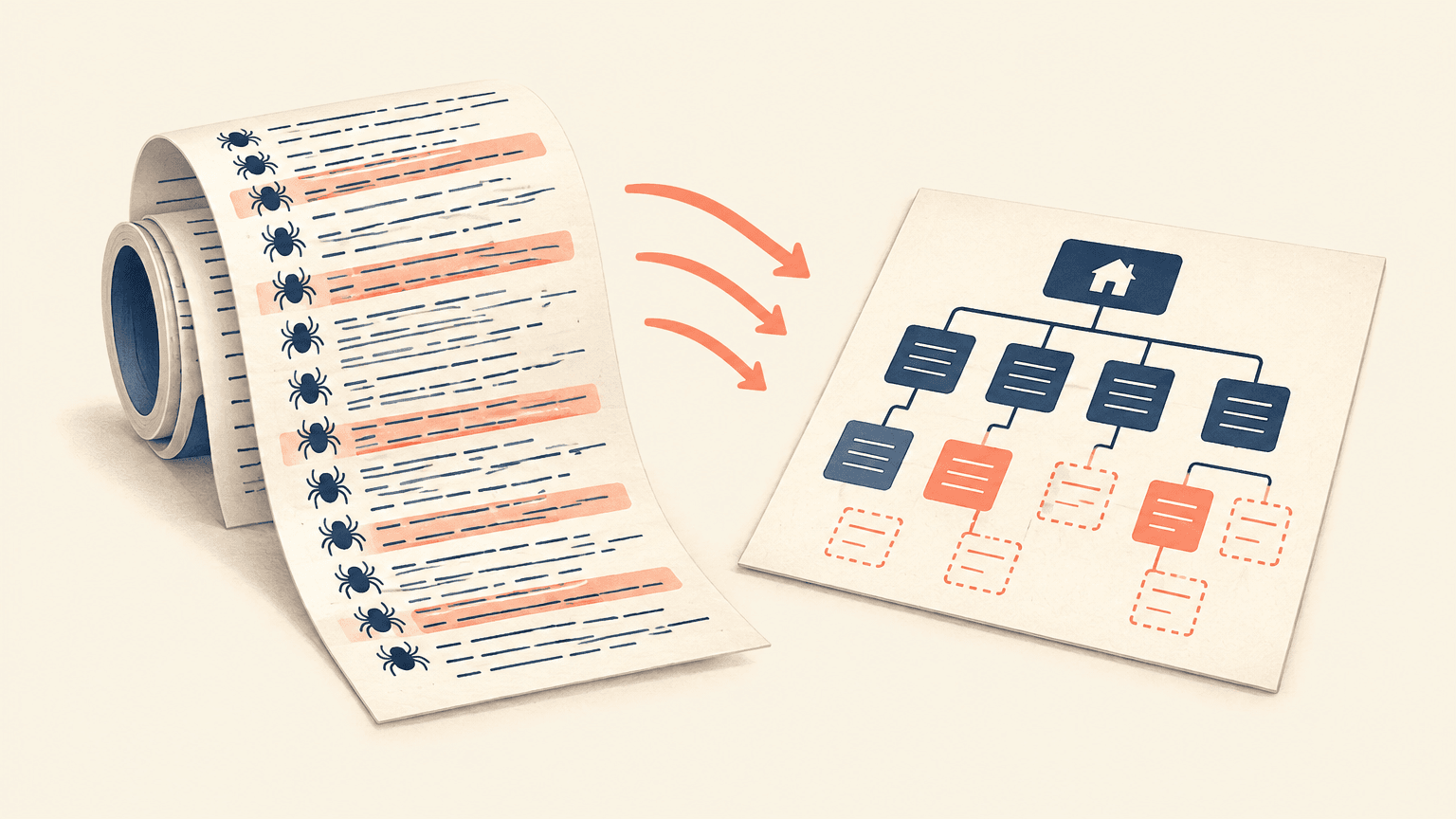
Start by comparing verified crawler requests with an inventory of pages you actually want indexed. That comparison exposes two different problems: search engines repeatedly fetching low-value URLs, and valuable pages receiving little or no observed crawl activity. Server logs provide the request-level evidence needed to distinguish those patterns, but only if you collect logs from the right layer and interpret missing requests carefully.
This walkthrough takes you from raw access logs to a prioritized technical SEO backlog. The goal is not to eliminate every request that fails to land on an indexable page. Redirects, robots.txt checks, JavaScript resources, and occasional revisits to removed URLs can all serve a purpose. The goal is to identify persistent, avoidable work and remove obstacles that keep important pages from being discovered and refreshed.
What Server Logs Reveal About Search Crawlers
An access log records requests received by the system producing that log. Depending on your configuration, each entry may contain a timestamp, requested hostname and URL, HTTP method, status code, user agent, client IP address, response size, and request duration. These records let you reconstruct which URLs a crawler requested, how often it returned, and what response it received.
This differs from a site crawl or a search performance dashboard. A site crawler explores URLs according to its own settings and discoveries. Search performance reports describe selected aspects of search visibility and indexing. Logs document requests at your infrastructure boundary, including requests to parameter combinations, obsolete paths, and assets that may never appear in your standard SEO reports.
Discovery: identify the first observed request to a new URL within the retained data.
Recrawl behavior: compare how frequently product, category, editorial, and other page groups are requested.
Response problems: find repeated redirects, missing pages, server errors, and rate-limited requests.
URL expansion: uncover filters, sorting options, session parameters, and alternate paths that generate large request sets.
Infrastructure differences: compare crawler responses across hosts, edge locations, or deployment periods when the available fields support it.
A logged request is not proof of indexing, rendering, or ranking. A successful HTTP response can still contain a noindex directive, an error message, an unexpected canonical, or content the search engine chooses not to index. Likewise, no request in your dataset means no observed request during that dataset’s coverage—not that a search engine has never visited.
How to Collect and Prepare Log Data
Choose the logging layer before exporting
Ask your infrastructure team where public requests are first handled: a content delivery network, a reverse proxy, a load balancer, or the origin server. If a CDN serves a cached page without contacting the origin, origin logs will not show that visitor request. For crawler coverage analysis, edge access logs are often the most complete starting point. Origin logs remain useful for diagnosing application work and upstream failures.
Confirm whether exports are complete, sampled, filtered, or limited to particular hosts and response types. Check retention, rotation, time zones, and missing intervals. If you combine logging layers, avoid counting an edge request and its corresponding origin request as separate crawler visits. Keep the layers separate unless you can reliably connect and deduplicate them using request identifiers.
Choose a collection window that fits the site’s publishing and crawl patterns. Several weeks may provide a practical starting point, but a slowly changing archive may require longer observation. Retain enough history to include normal weekdays, publishing cycles, and relevant deployments. A short window can make infrequently crawled but healthy pages look neglected.
Build a usable request table
Request identity: timestamp with time zone, hostname, path, query string, and HTTP method.
Crawler verification: user agent and the trustworthy client IP field, not an arbitrary client-supplied forwarding header.
Response evidence: status code, bytes sent, and duration where available.
Operational context: logging source, cache status, and request ID when supported.
Preserve the raw request target alongside any normalized URL. Safe normalization might include standardizing hostname case and consistently representing default ports. Do not automatically lowercase paths, remove trailing slashes, discard query strings, or decode reserved characters: those changes can merge URLs your server treats differently. Instead, create a separate grouping key for comparisons while keeping the original URL available for diagnosis.
Create a URL inventory independently of the logs. Combine XML sitemaps, a crawl of internal links, and a CMS or database export where possible. Include canonical URL, template, indexability, publication date, last meaningful update, and business priority. An inventory made only from logged requests cannot reveal pages that received no requests.
Treat logs as sensitive operational data. Query strings can contain personal information or tokens, and IP addresses may require restricted handling. Work with your security and privacy teams on access, redaction, retention, and approved storage before uploading exports to an analysis tool.
Separate Search Bots from Other Traffic
A user agent containing a search crawler’s name is only a candidate match. Anyone can send that string. Start by classifying likely bots from user agents, then verify the client IP using the relevant search provider’s published verification process. Depending on the provider and crawler category, this may involve published IP ranges or reverse DNS followed by a forward DNS check.
For DNS-based verification, check that the reverse lookup ends in an explicitly permitted provider domain, then confirm that resolving that hostname returns the original IP address. A hostname that merely contains a provider’s name is not enough. When using published IP ranges, ensure the list applies to the crawler category you are analyzing and record when you obtained it. Follow each provider’s instructions rather than applying one provider’s rules to all bots.
Keep verified, unverified, and failed-verification traffic in separate groups. An unavailable DNS lookup should not silently become a verified match. If a CDN or proxy sits in front of your server, confirm with your infrastructure team which field reliably represents the original client; the network peer in an origin log may simply be your proxy.
Separate search engines instead of combining all crawler activity into one total.
Separate general search crawlers from image, video, advertising, inspection, and user-triggered fetchers where they can be identified.
Separate HTML requests from scripts, stylesheets, images, feeds, sitemaps, and robots.txt.
Break out GET and HEAD requests, because their response bodies and diagnostic meaning differ.
Retain host and device-related crawler distinctions when they help explain a specific issue.
Build a baseline for each verified bot group: request count, unique requested URLs, status-code distribution, and requests by page template. Report both counts and shares. A template’s share can rise simply because another template received fewer requests, while raw totals can change because the logging window was longer.
Find Crawl Waste and Pages That Go Unvisited
Identify repeated work with little discovery value
Group requests by URL pattern before reviewing individual URLs. Useful dimensions include directory, template, parameter name, parameter combination, response status, and canonical target. Sort groups by request volume and unique URLs to distinguish repeated fetching of a small set from exploration of a rapidly expanding URL space.
Faceted and sorted URLs: look for many combinations that display substantially overlapping content without a clear search purpose.
Tracking and session parameters: check whether internal links expose variants of otherwise identical pages.
Redirecting URLs: find old destinations still linked in navigation, content, or sitemaps, especially when redirects form chains.
Repeated 404 or 410 responses: determine whether current internal links still point to removed resources or whether the requests are historical revisits.
Server errors and 429 responses: isolate infrastructure or rate-limit failures affecting verified crawlers.
Soft errors: inspect successful responses that may actually show empty results, unavailable content, or application error screens.
Do not classify every noncanonical or non-200 request as waste. Search engines may revisit redirects and duplicate URLs to confirm their state. Asset requests may be needed for rendering. A high request count becomes a useful finding when you can connect it to an avoidable source, such as navigation generating unlimited filter combinations or a sitemap still listing redirected URLs.
Hypothetical example: a store’s category template generates links to every combination of size, color, and sort order. Logs show verified crawler requests spread across those combinations, while the inventory contains useful category pages with little observed activity. This is a reason to investigate faceted navigation and discovery paths—not proof that removing the combinations will transfer a fixed number of requests to the category pages.
Join crawl activity to your important-page inventory
Aggregate verified requests by URL, then left-join those results to the independent inventory. Preserve inventory rows with no matching request. For each important URL, show observed request count, first and last observed request, latest observed status, and the longest gap between requests when enough observations exist. Keep exact URL matching separate from canonical-cluster reporting so that requests to an alternate URL do not hide a missing request to the preferred version.
Define rarely crawled relative to purpose rather than applying a universal threshold. A newly published article, a frequently changing availability page, and a stable reference page have different freshness needs. Compare pages with similar templates and update patterns. For newly published pages, measure time from publication to first observed verified request; label pages without a request as not yet observed rather than assigning them a completed discovery time.
Confirm coverage: is the correct host included, are edge cache hits logged, and does the window cover the page’s lifetime?
Check accessibility: does the URL return the intended content without authentication, server errors, or crawler-specific blocking?
Check robots rules: could a disallow explain the lack of page fetches? A blocked URL can still be known to a search engine.
Check discovery: is the page linked through crawlable links from relevant, accessible pages, and is it included in an appropriate sitemap?
Corroborate selected URLs: use search engine inspection tools and a rendered crawl where appropriate, recognizing that a live test is not evidence of a routine indexing crawl.
Logs generally do not tell you which link caused a search crawler to discover a URL. A referrer field, when present, is not a dependable map of the crawler’s discovery path. Use your internal-link crawl to investigate likely causes, including orphan pages, excessive navigation depth, links available only after interaction, and weak connections between related sections.
Prioritize Fixes and Measure Their Impact
Prioritize issues by the importance of affected pages, severity of the obstacle, breadth of the pattern, confidence in the diagnosis, and implementation effort. Crawl volume alone is a poor priority score. A small set of commercially important pages returning server errors may matter more than a large group of harmless duplicate requests.
Restore access first: resolve incorrect robots rules, WAF challenges, rate limiting, and server errors affecting intended crawlers.
Repair discovery next: add relevant crawlable internal links, resolve orphan pages, and keep sitemaps focused on preferred indexable URLs.
Remove avoidable detours: update internal links to final destinations and shorten redirect chains while preserving necessary redirects.
Control URL expansion: stop emitting unnecessary parameter links and decide which filter combinations genuinely deserve indexable landing pages.
Choose controls for their actual function. A canonical is a consolidation signal, not a crawl prohibition. A noindex directive requires the crawler to fetch the page to see it. A robots.txt disallow prevents fetching but does not reliably remove an already known URL from search results. Blocking a URL can also prevent a crawler from seeing its noindex directive or page-level canonical.
For each fix, write a testable hypothesis and a primary measure. For example: replacing links to redirected category URLs should reduce verified requests to those old URLs over time. Adding direct links to an important orphan-page group should increase the proportion of that group with observed crawler requests. Record deployment dates and affected URL sets so the analysis can distinguish the change from unrelated releases.
Compare behavior, not just total requests
Use comparable pre-change and post-change windows, with the same logging coverage and bot-verification rules. Allow enough time for the affected crawler to revisit the site. Where practical, compare the changed group with a similar unchanged group, while acknowledging differences in content, demand, and publishing activity. Annotate outages, migrations, large content releases, and logging changes that could distort the comparison.
Important-page coverage: the proportion of eligible inventory URLs receiving at least one verified request during the window.
Discovery delay: publication-to-first-observed-request time for new pages, alongside the count still awaiting an observed request.
Recrawl gaps: intervals between observed requests for pages whose content changes regularly.
Avoidable request patterns: counts and shares for the specific parameter, redirect, or error groups you targeted.
Reliability: crawler-facing server-error and rate-limit rates, plus consistently defined response-time measures where available.
Downstream outcomes: indexing status and search performance for affected pages, analyzed separately from request activity.
Interpret the results as a chain of evidence. Fewer requests to an unnecessary parameter pattern can confirm that exposure decreased. More visits to important pages can support a discovery improvement. Neither finding alone proves an indexing or ranking benefit. Search engines decide how much to crawl and what to index; reducing low-value requests does not guarantee an equivalent increase elsewhere.
Your next step is to choose one verified crawler, one trustworthy log source, and one high-value page group. Build the inventory-to-log comparison, investigate the strongest missing-page or waste pattern, and document one fix with a clear measurement plan. That focused cycle produces a more actionable backlog than a report listing millions of requests without explaining what should change.